📕 Handling PDF files every day should be simple. PDF Reader offers easy tools to open, scan, and manage documents whenever you need them. Are you looking for a simple way to work with PDFs on your phone? PDF Reader is here for you.
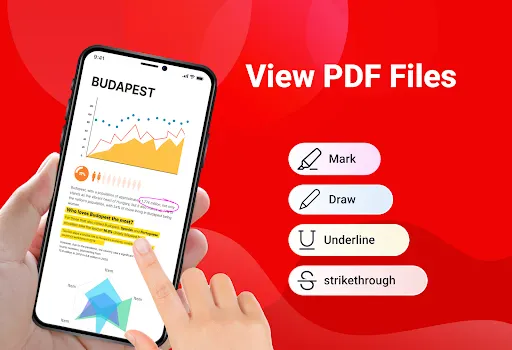
👉 With PDF Reader, you can quickly open PDF files and enjoy smooth reading with clear text and simple scrolling. Download PDF Reader: Viewer, PDF Editor app now!
📌 MAIN FEATURES ➤ Read PDF files on phone ➤ Scan documents to PDF ➤ Convert images to PDF ➤ Split or merge PDF files easily ➤ Create ZIP files ➤ Print PDF documents ➤ Translate PDF content
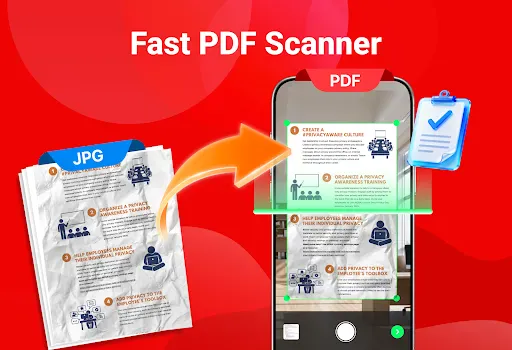
🎈 Scan documents to PDF Use your phone camera to scan documents, receipts, or notes and save them as PDF files in just a few seconds. This makes it easy to turn paper documents into digital files.
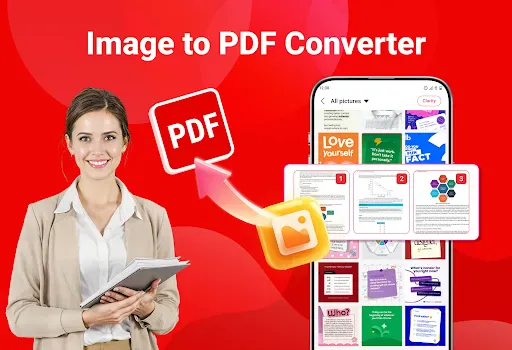
🎈 Image to PDF Convert photos into PDF files easily. Select images from your gallery, arrange them in the order you want, and create a clean PDF document with only a few taps.
🎈 Split PDF files If you only need certain pages, you can split a PDF and save selected pages as a new file. This helps you keep only what is important.
🎈 Merge PDF files Combine multiple PDF documents into one file to keep everything organized and easier to share.
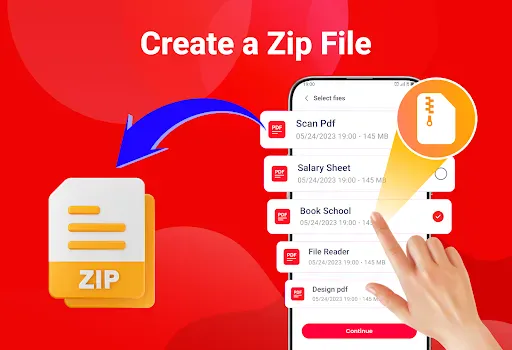
🎈 Create ZIP files Compress PDF files into a ZIP folder to save storage space and speed up sharing.
🎈 Print PDF documents Print your PDF files directly from the app. Choose the pages you need and print them easily without extra steps.
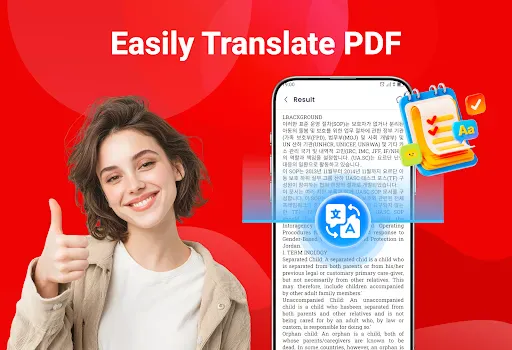
🎈 Translate PDF content Translate PDF files to understand content in other languages, helping you read and use documents more comfortably.
📕 Download PDF Reader: Viewer, PDF Editor app today and handle all your PDF tasks with ease. If you have any questions or need support, feel free to contact us anytime.