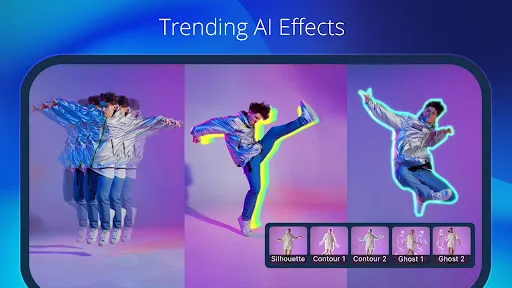
PowerDirector is the ultimate AI video editor that lets you create stunning, high-quality videos quickly and easily. This comprehensive AI video maker offers a vast array of animation filters and AI Auto Edit tools, allowing you to transform your videos and photos into viral TikTok clips or engaging social media content instantly.
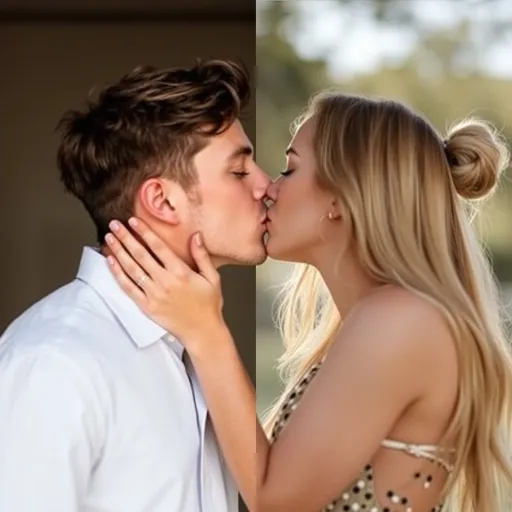
🤖 AI Editing Features ■ AI Auto Edit: Auto detects the best moments in your clips and turns them into polished videos with templates. ■ AI Image-to-Video: Templates for AI Dance, AI Kissing, and more! ■ AI Portrait: Filters for Ghibli, Disney style, and more! ■ AI Anime Video ■ AI Auto Caption ■ AI Video Enhancer ■ AI Voice Changer ■ AI Smart Cutout ■ AI Speech-to-Text ■ AI Speech Enhancement ■ AI Super Slow Motion ■ AI Background Removal ■ Body Effect with Body Tracking
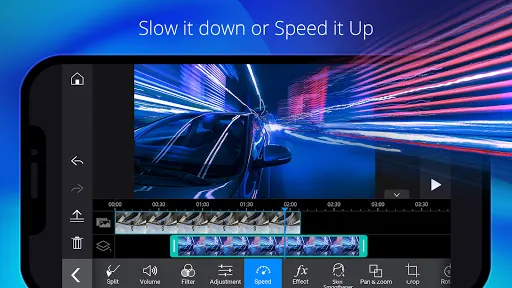
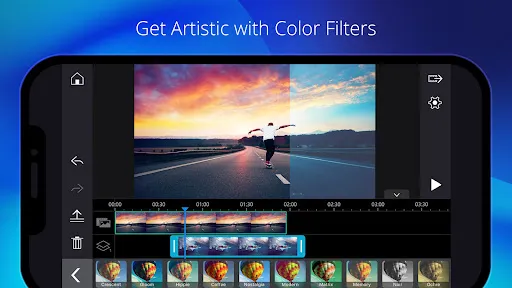
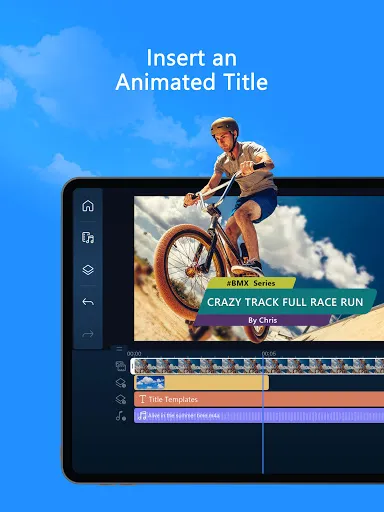
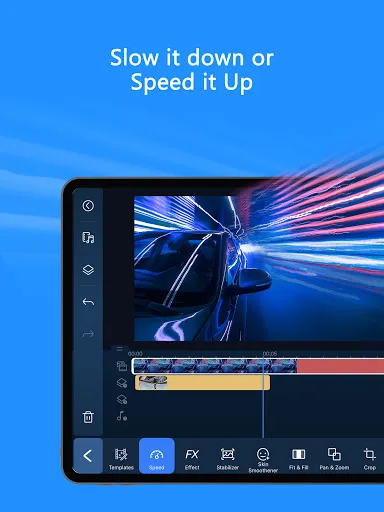
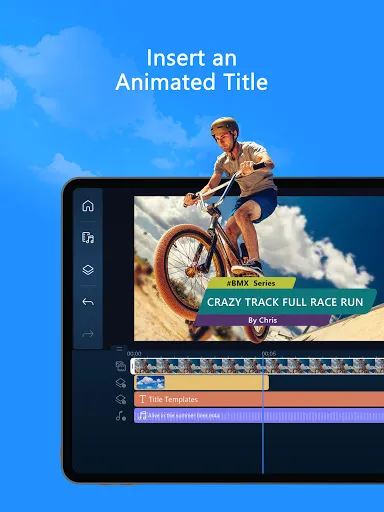
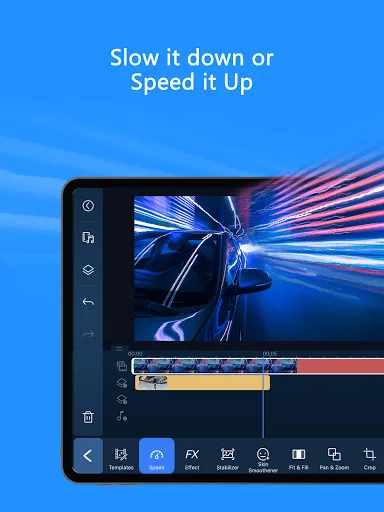
🪄 Easy Editing Tools for All Experience Levels ■ Trim, cut, splice and rotate ■ Choose from thousands of free templates, effects, and filters ■ Add music to photos or videos ■ Insert text or animated titles ■ Videos and photos collages ■ Adjust speed for fast or slow motion ■ Background Removal ■ Transitions and Effects
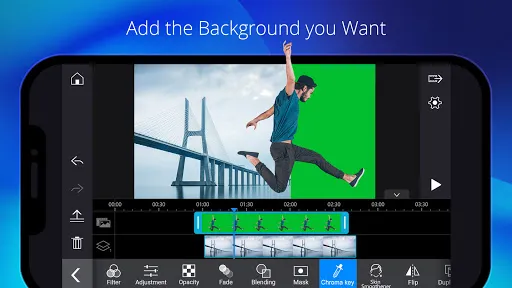
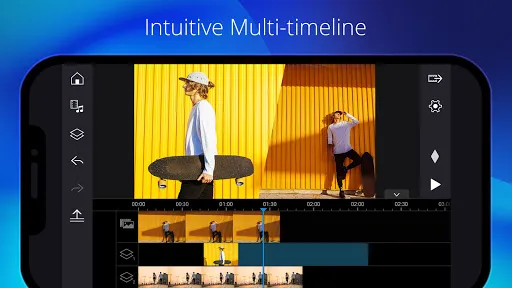
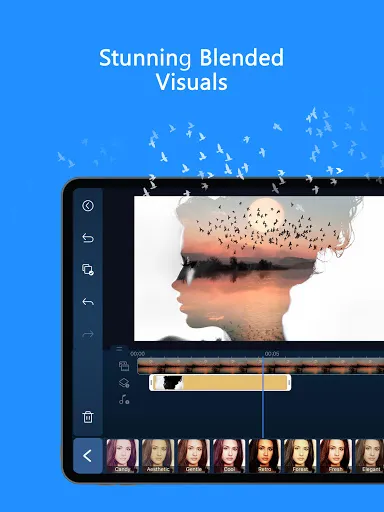
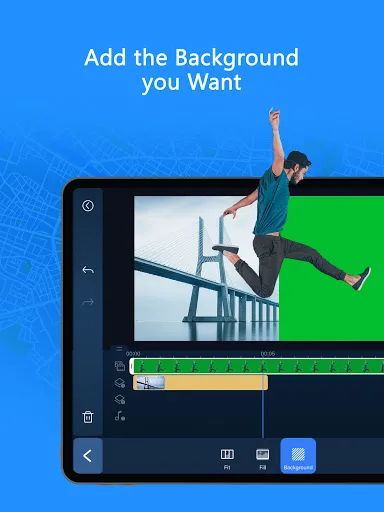
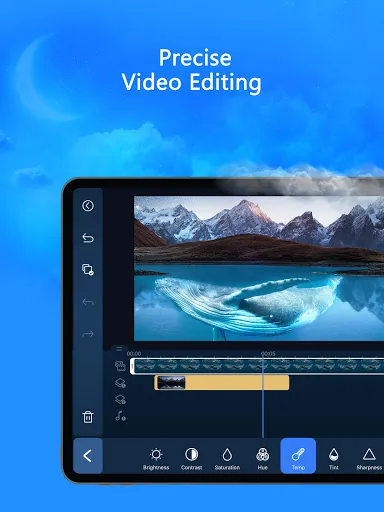
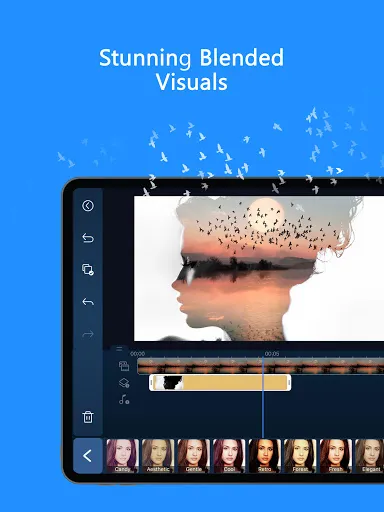
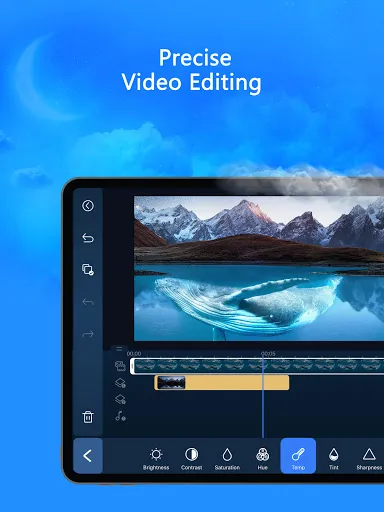
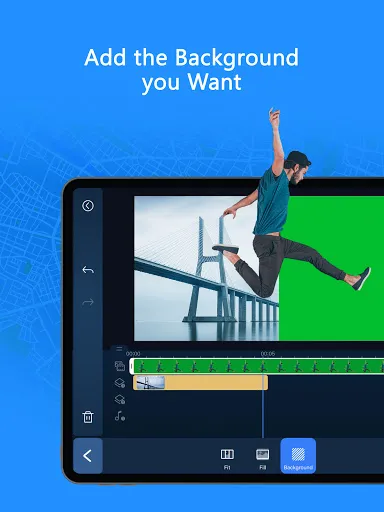
🎬 Professional Video Editor for Content Creators ■ Fine-tune brightness, color, and saturation ■ Green Screen editing ■ Video stabilizer ■ Record and add voiceovers ■ Video overlay: Create spectacular double exposure effects ■ Keyframe controls: Adjust the transparency, rotation, position and scale for picture in picture and masks ■ Built-in stock library and customizable templates: add photos, music, sound effects, video intros, and outros
*Supported devices only.
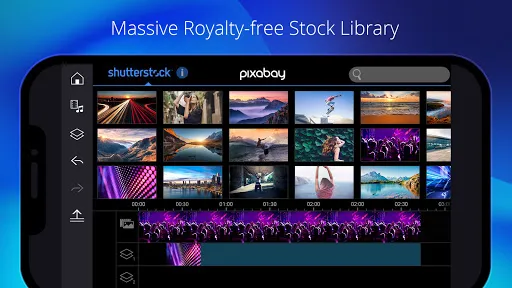
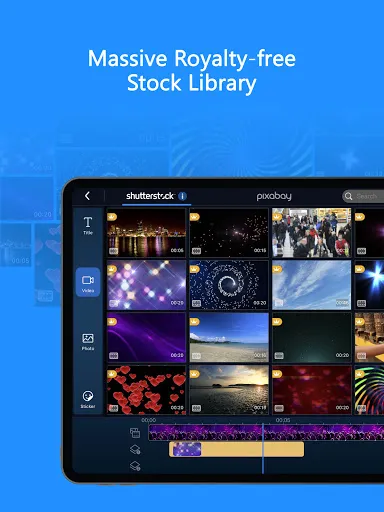
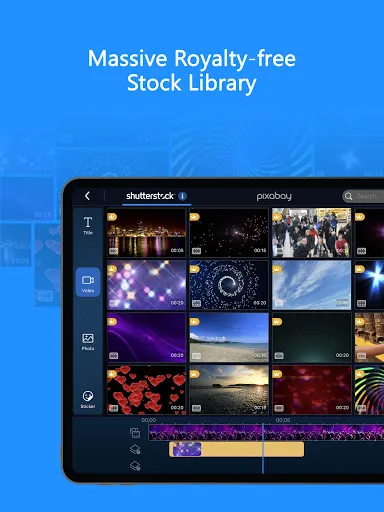
👑 PREMIUM Benefits ■ Exclusive premium content (filters, motion titles, transitions, effects and more…) ■ Stock media content, also available for commercial use (1.5k+music, photos, stickers, stock video footage, sounds) ■ Ad free and distraction free ■ Enjoy unlimited access to our massive, royalty-free stock library powered by Getty Images
Find inspiration on Instagram: @powerdirector_app Have a problem? Talk to us: support.cyberlink.com
Hope you enjoy editing on one of the best video editors in the world!